Intro
First of, I’m a nix user my self and my own config,setups etc is of cause set for linux.
My challenge arise when I’m trying to help a online friend on a Windows 11 Pro. (Yes 1000 km away).
And I previously successfully had unbound running on another windows(still not mine) I thought for my self, that should be rather easy 
 but lets face it… M$, nothing is never easy or done the easy way
So to try find the diffs and eliminate issues, we toke one step at the time, and have now come to the part with RPZ!!
Problem description
The RPZ zones are loaded and zone files are created, The domains match happens, and now to the BUG.. after the query happens, the RPZ log says record is disabled 
The config file being used is: unbound conf ($7657) · Snippets · GitLab
Question
Is their a new argument for enabling a RPZ zone in version 1.25.1?

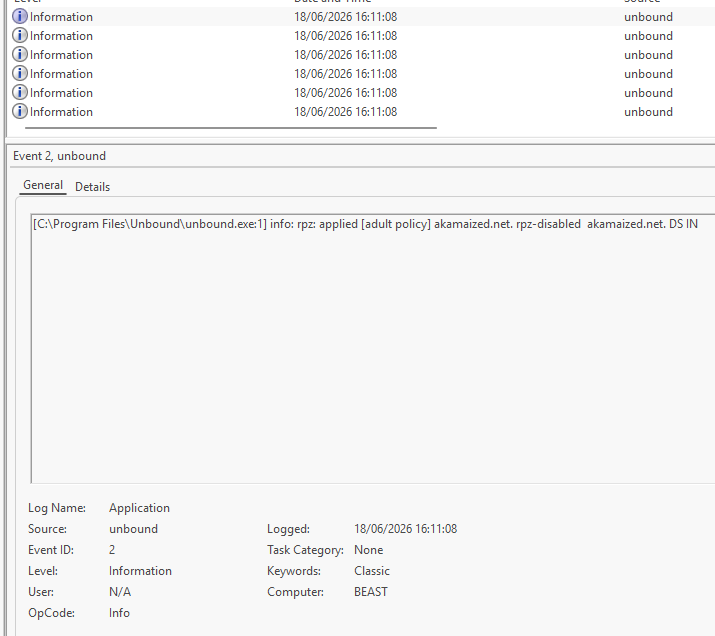
 , but using it to test for match